Import IP Group from SBC
You can import an IP Group that has been added manually to the SBC device and create a new SIP Connection based on this entity. A new SIP Connection is created based on the IP Group. The Call Data Records from the imported IP Group are then retrieved by Live Platform and aggregated to your customer's Voice Quality statistics.
The SIP Connection created from the imported IP Group is read-only and cannot be applied when uploading numbers.
| ➢ | To import a SIP connection: |
| 1. | In the Navigation pane, select SIP Connection, and then select the SIP Connection tab. |
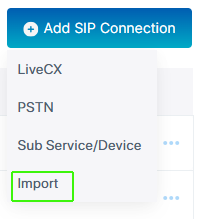
| 2. | From the Add SIP Connection drop-down, choose Import. |
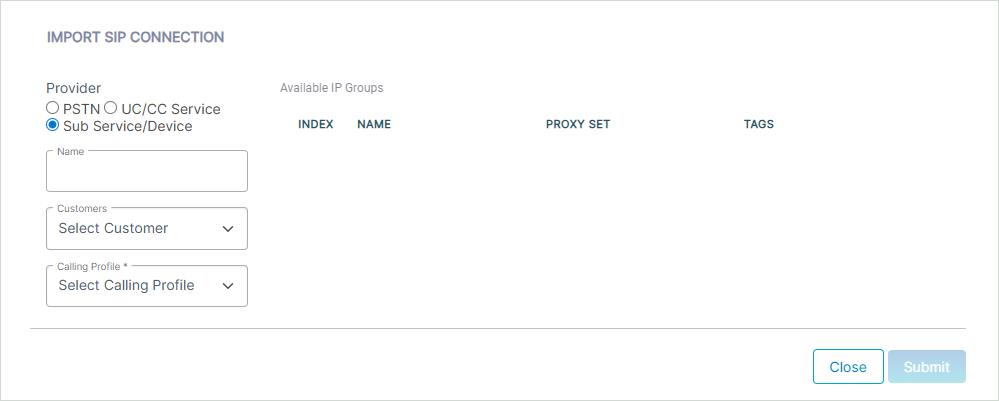
| 3. | Configure parameters according to the table below. |
|
Parameter |
Description |
|||||||||||||||||||||||||||
|---|---|---|---|---|---|---|---|---|---|---|---|---|---|---|---|---|---|---|---|---|---|---|---|---|---|---|---|---|
|
Provider |
One of the following values:
|
|||||||||||||||||||||||||||
|
Name |
Name of the SIP connection (you can also configure this value after importing the list of IP groups). |
|||||||||||||||||||||||||||
|
Customer |
From the drop-down, select the customer to attach to the connection. |
|||||||||||||||||||||||||||
|
Calling Profile |
From the drop-down, select the Calling Profile to attach to the connection. |
|||||||||||||||||||||||||||
|
Available IP Groups |
||||||||||||||||||||||||||||
|
Index |
Index of the IP Group configured on the SBC device. |
|||||||||||||||||||||||||||
|
Name |
Name of the IP Group configured on the SBC device. The selected Provider type and IP Group type must match otherwise an error is raised. The following IP Group types are supported:
|
|||||||||||||||||||||||||||
|
Proxy Set |
Name of the Proxy Set configured on the SBC device. |
|||||||||||||||||||||||||||
|
Tags |
The PSTN dial plan tag used for routing numbers through this connection. |
|||||||||||||||||||||||||||
Once you configure the above parameters, the list of available IP Groups are retrieved from the SBC device.
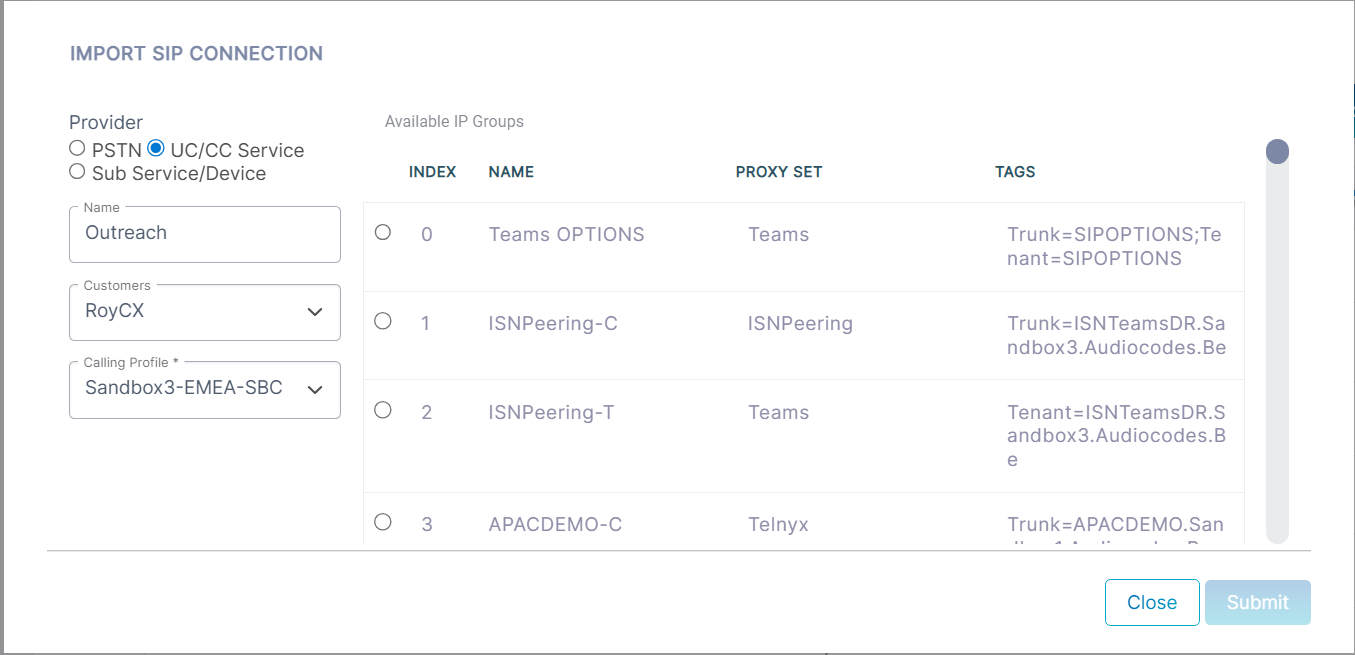
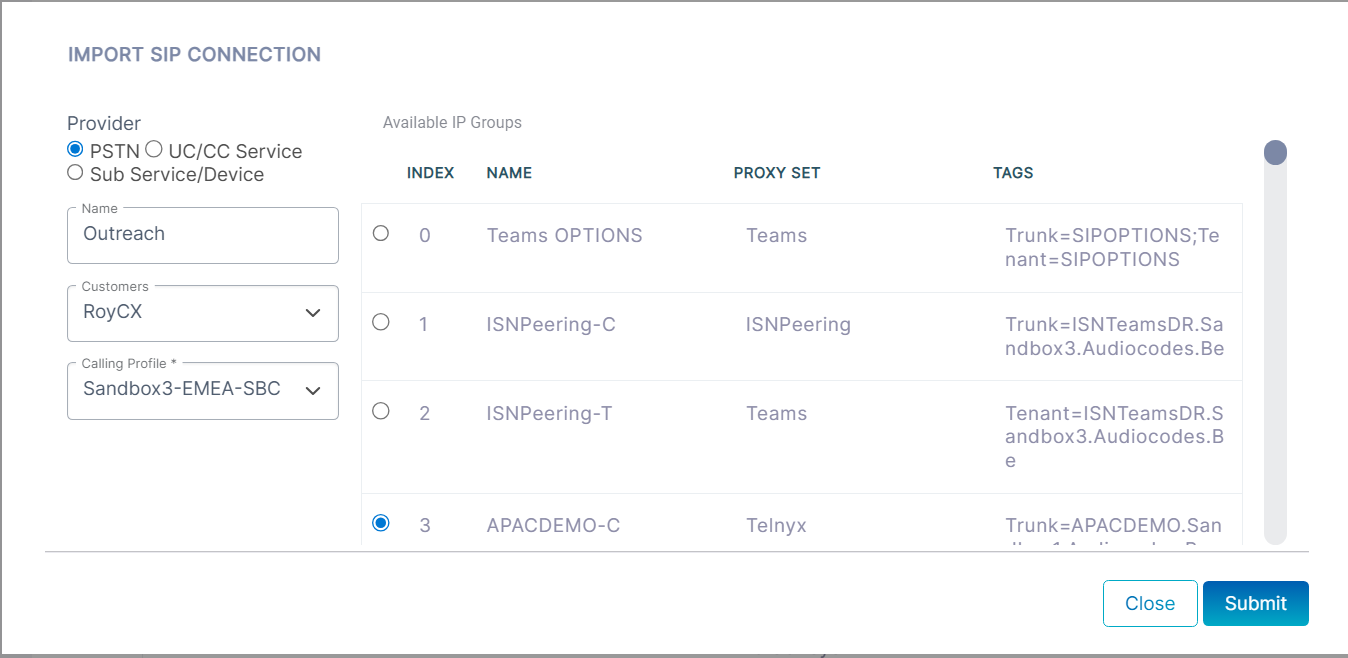
| 4. | Select the IP Group (you can only select a single entry) that you wish to import and then click Submit. Note in the figure below that the Provider value 'PSTN' matches the selected IP Group type '-C'. |